
- Login to cPanel using Email Account and Password

- List will appear to you ,choose Services
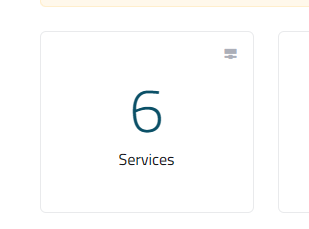
- List of Services will appear to you ,choose the Service you want to control

- List of Actions will appear ,choose Login to cPanel

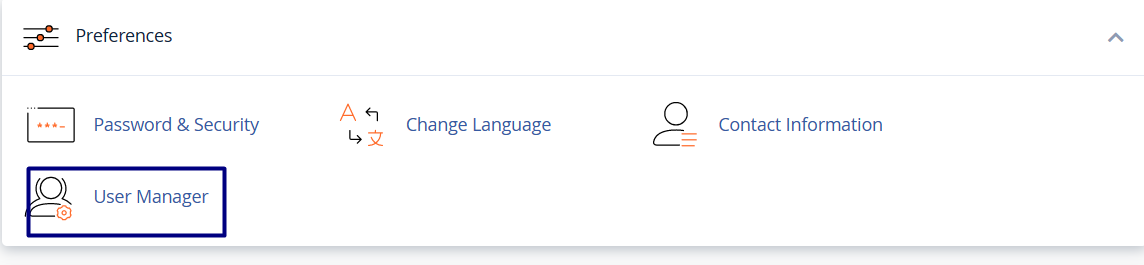
- List of Preferences Will appear , choose User Manager
- Locate the subaccount you want to modify. If you just want to change the account password, click Change Password.
- Alternatively, to edit the subaccount settings, click Edit. Make your changes to the account settings, which are the same options presented during account creation.
- Locate the subaccount you want to delete, and then click Delete.

