
How to configure email routing ?
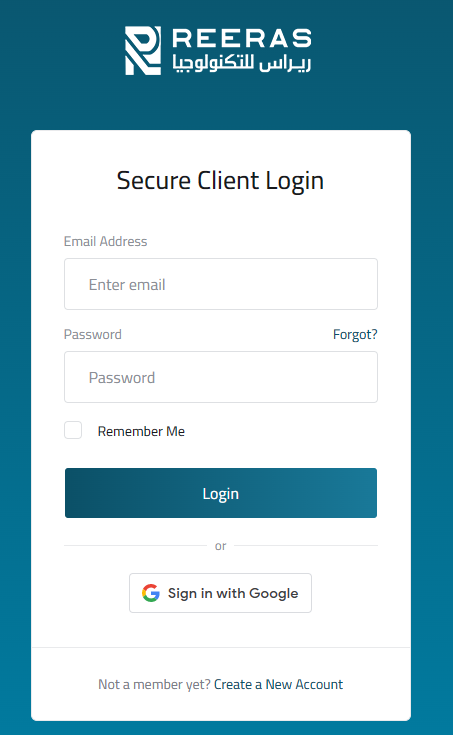
طباعة- login to cpanel using email account and password
- list will appear to you ,choose services
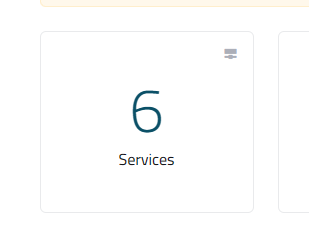
- list of services will appear to you ,choose the service you want to control

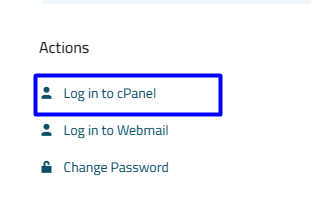
- list of actions will appear ,choose login to cpanel ,As in the following image
- list of Emails will appear ,choose email routing As in the following image

- In the Domain list box, select the domain you want to configure

-
Under Configure Email Routing, select the setting you want:
- Automatically Detect Configuration: This is the default and recommended setting if your site uses Reeras name servers.
- Local Mail Exchanger: If your site uses Reeras name servers and you are experiencing problems with e-mail, you can manually select this setting to help troubleshoot the configuration.
- Backup Mail Exchanger: This setting enables the server to function as a backup mail exchanger for your domain.
- Remote Mail Exchanger: If your site does not use Reeras name servers, you must select this setting.
- Click . cPanel updates your e-mail routing settings.

