
- login to cpanel using email account and password

- list will appear to you ,choose services
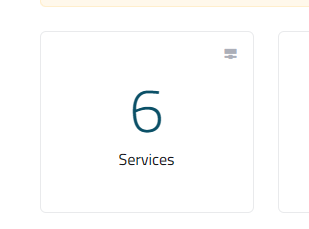
- list of services will appear to you ,choose the service you want to control

- list of actions will appear ,choose login to cpanel

- list of emails will appear to you ,choose Email Accounts

- Choose the email you want to change his password ,as in the following image

- write the new password

- After writting the new password click on (update email setting) , as the following image

