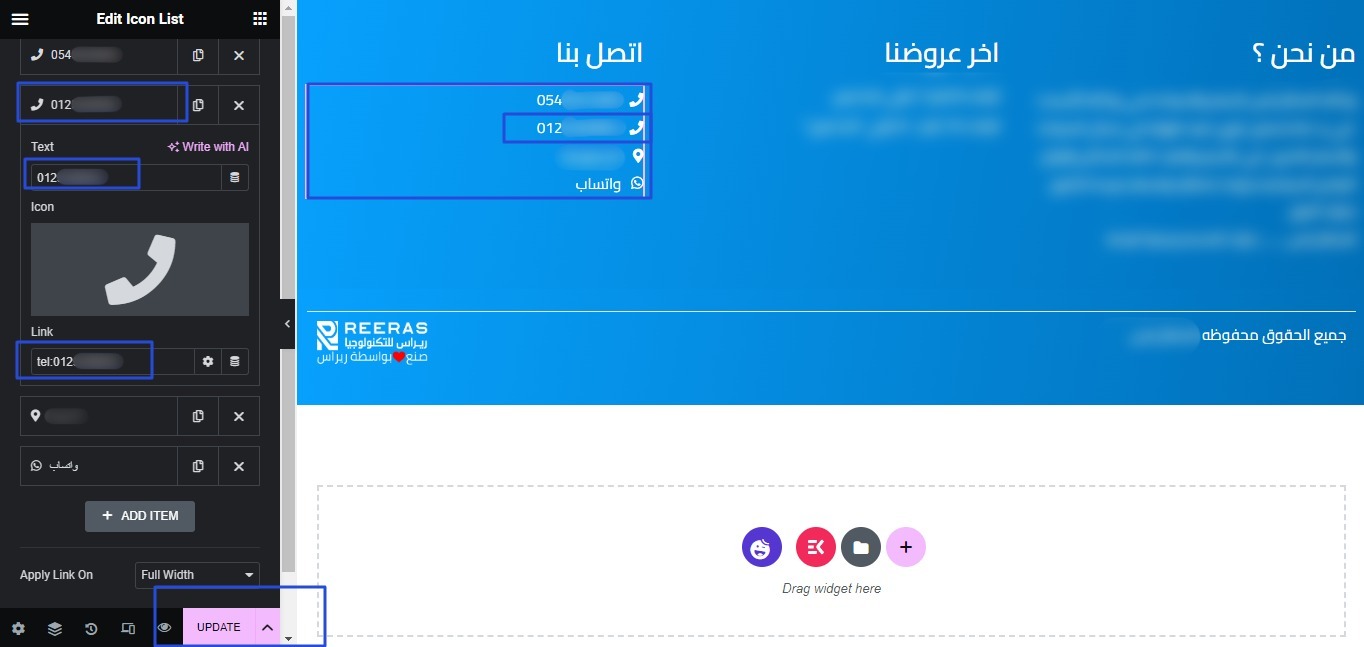
How To change phone number in website?
طباعة
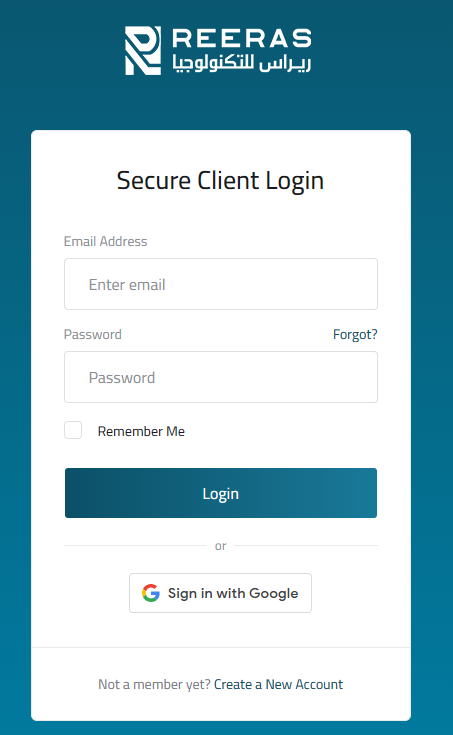
- Login to cPanel using Email Account and Password
- List will appear to you ,choose Services
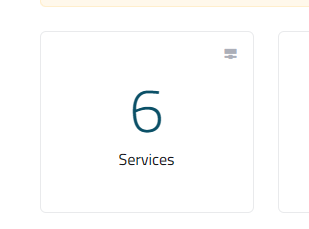
- List of Services will appear to you ,choose the Service you want to control

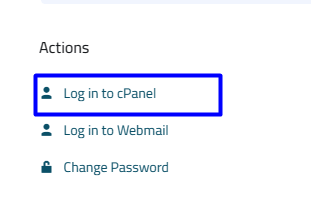
- List of Actions will appear ,choose Login to cPanel
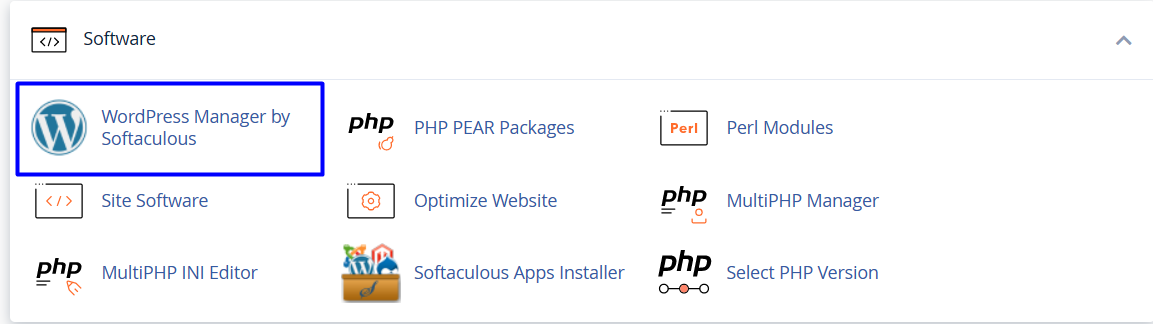
- List of Software will appear, choose Wordpress Manager by Softaculous As in the following image
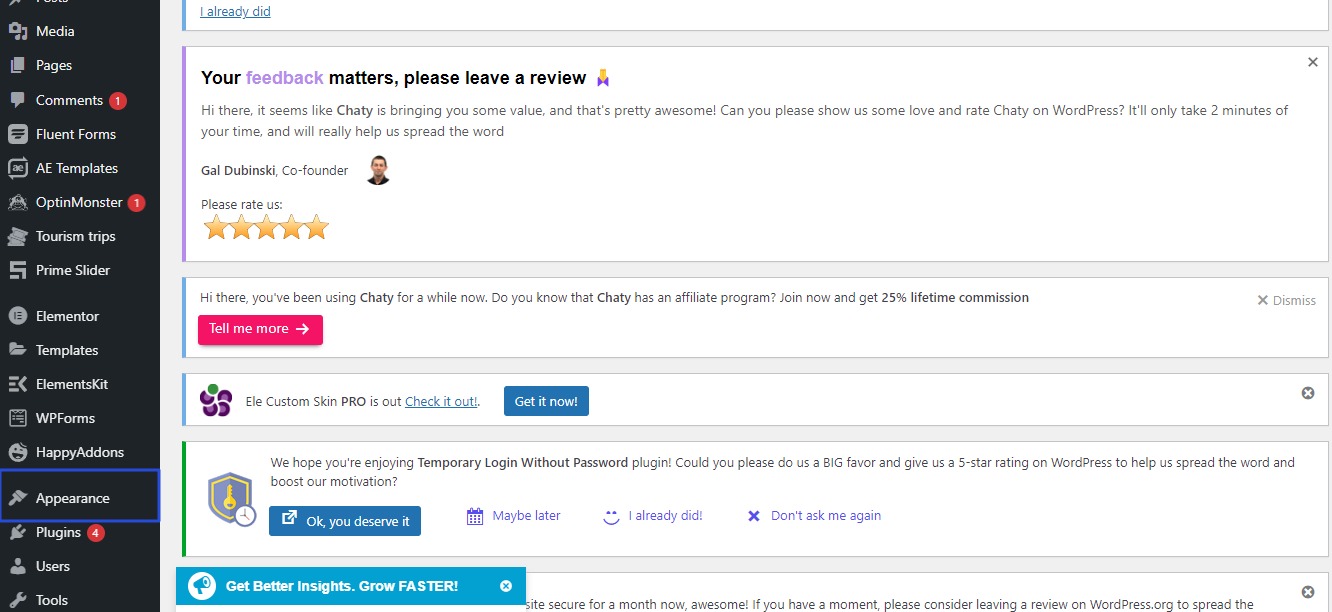
- Dashboard side list will appear, click on Appearance As in the following image
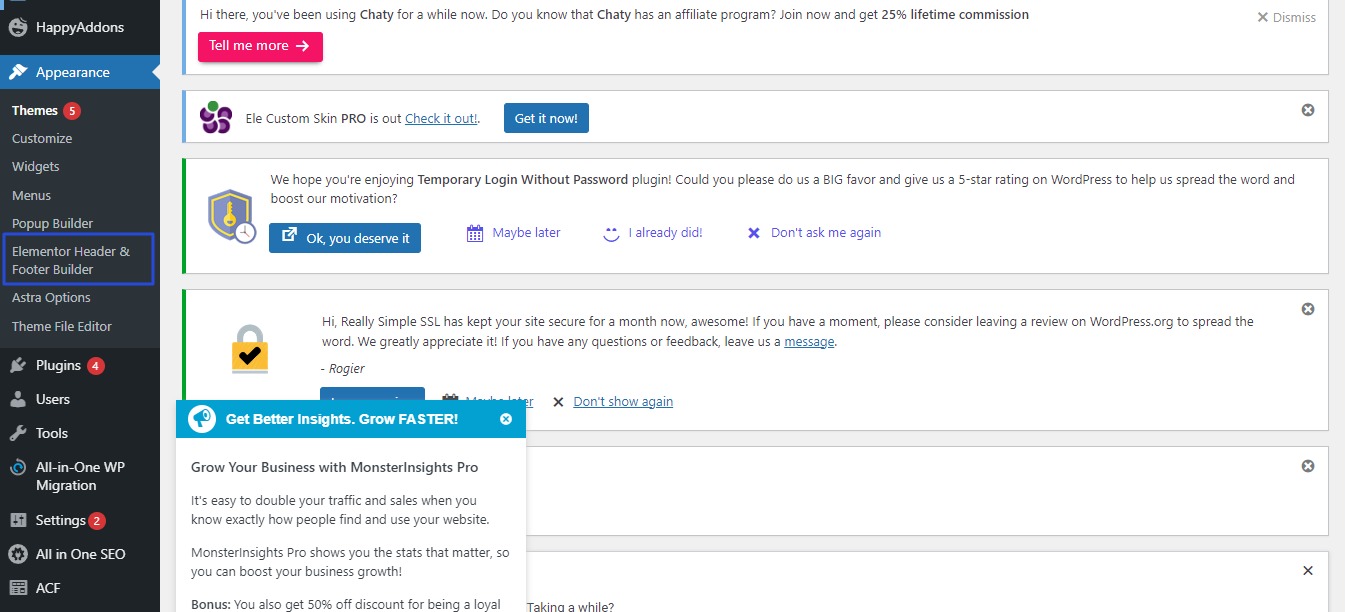
- List of Appearance will appear, choose Elementor Header and Footer Builder ,As in the following image
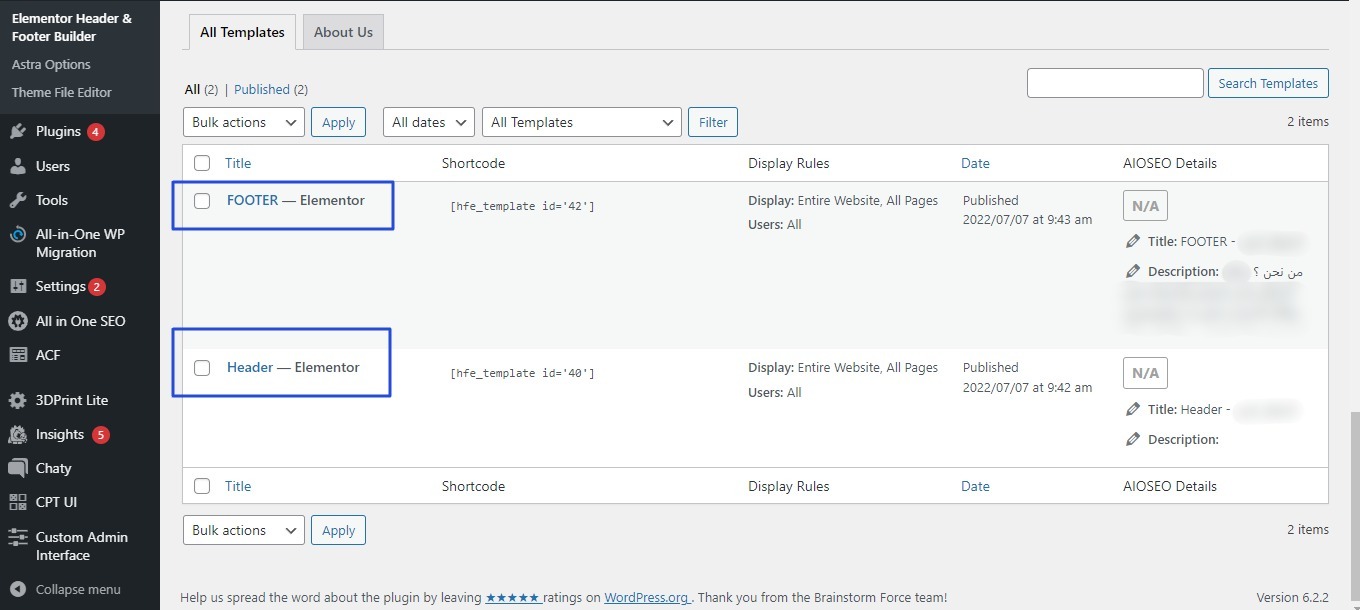
- choose Header Elementor or Footer Elementor According to where the phone number locate , As in the following image
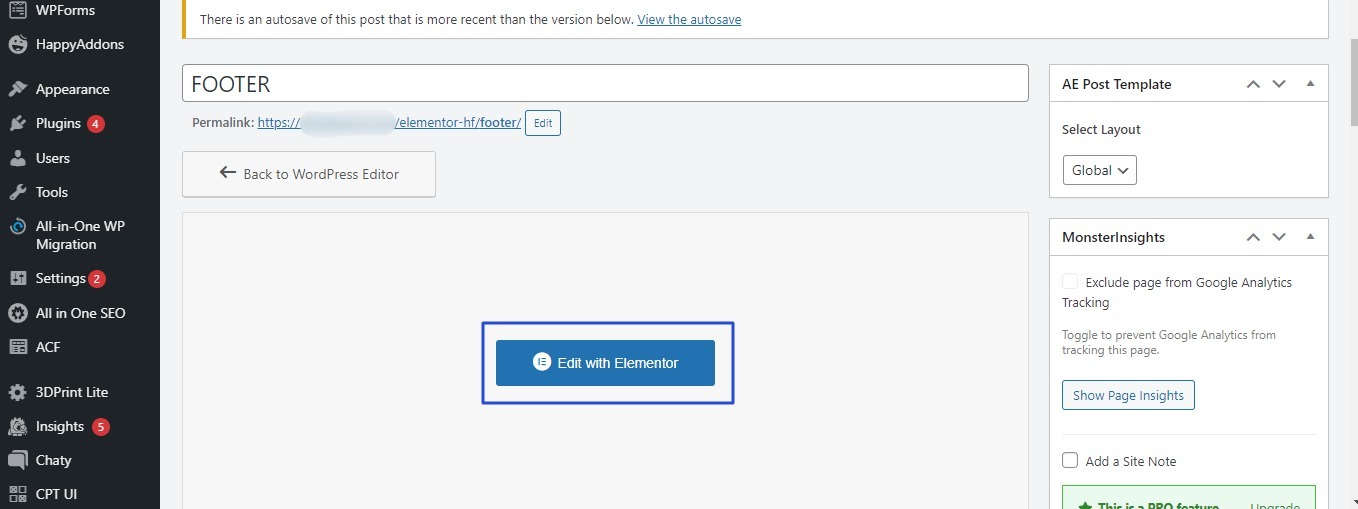
- After choosing Footer Elementor , New List will appear click on edit with Elementor As in the following image
- List of Footer components will appear, choose the phone number you want to change As in the following image
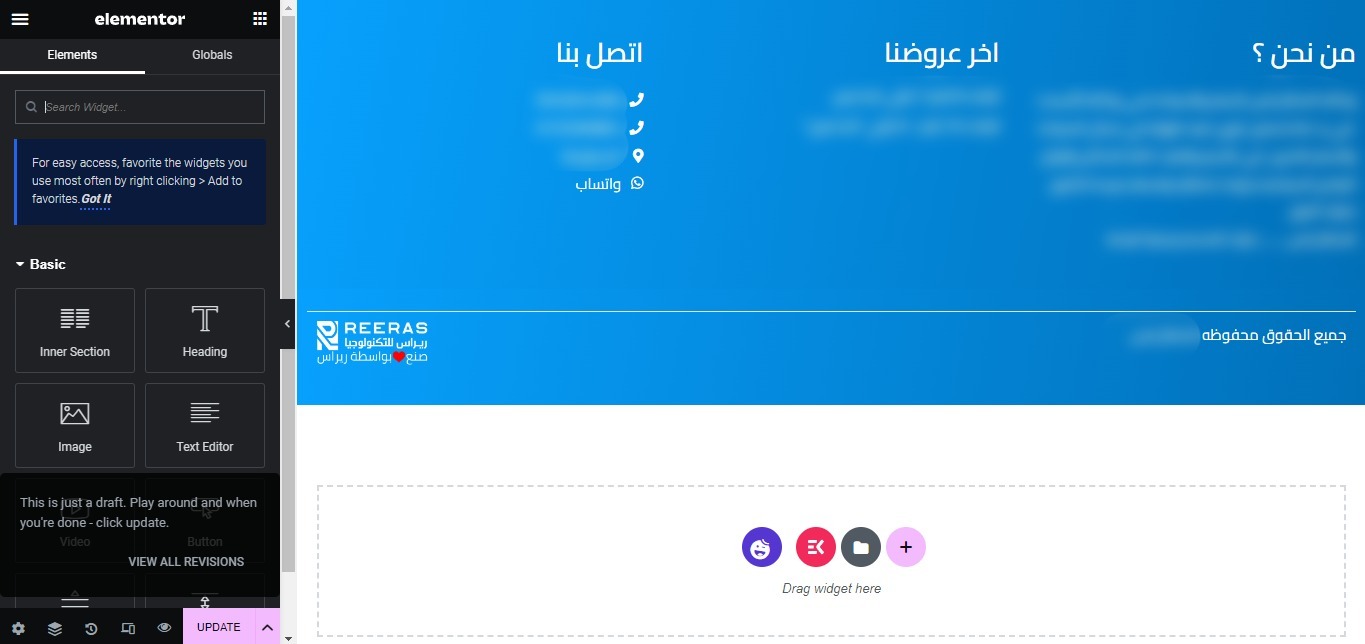
- When choosing the phone number you want to change , Edit icon list will appear
- change the phone number then click update