
How to upload Website using Wordpress?
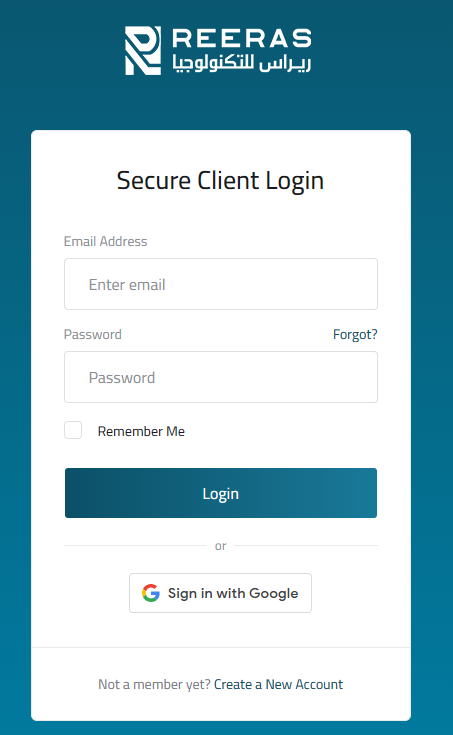
طباعة- Login to cPanel using Email Account and Password
- List will appear to you ,choose Services
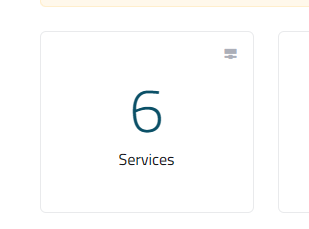
- List of Services will appear to you ,choose the Service you want to control

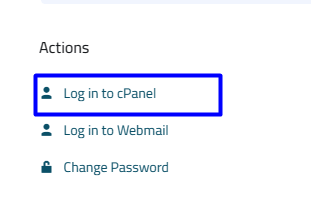
- List of Actions will appear ,choose Login to cPanel
- List of Scripts will appear, choose Wordpress As in the following image

- New list will appear, choose install As in the following image

- New list will appear ,enter the required data, As in the following image
- in the directory part
- if you want to add one website,leave it empty
- if you want to add multiple websites , write the name of the site on it

- After entering all the required data, click install As in the following image

- New list of uploading will appear,Wait for minutes until the upload time is over As in the following image

- New list will appear , click Administrative URL As in the following image

- The Dashboard will appear, click on settings in the side bar As in the following image

- List of settings will appear, click General to change the previous data that you entered

- List of settings will appear, click Permalinks
- choose postname to make the name of the link easy to understand then click save , As in the following image

- From the sidebar of the Dashboard ,click appearance then choose Add New As in the following image

- Choose Astra Theme , As in the following image

- New list will appear , click install As in the following image

-
Upon completion of the download, press the activation button, As in the following image


- List of plugins will appear, click Add new As in the following image

- Choose to install Elementor and some helpers As Elementor Header & Footer Builder As in the following image

- At the end of the download ,click on the activation button to be able to create your site

- Click Apply To be able to create your site easily , As in the following image

