
How to connect Domain with nameserver?
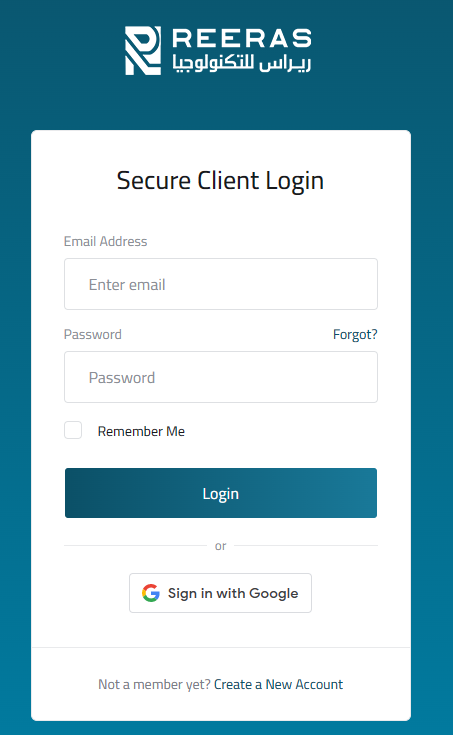
طباعة- Login to cPanel using Email Account and Password
- List will appear to you ,choose Services
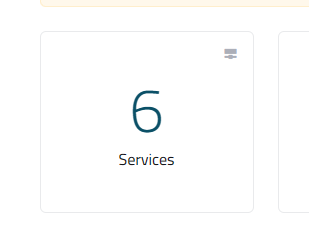
- List of Services will appear to you ,choose the Service you want to control

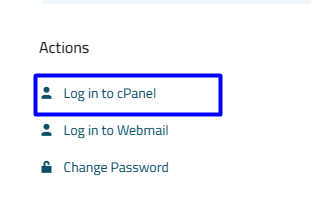
- List of Actions will appear ,choose Login to cPanel
- List of Domains will appear to you , choose zone editor As in the following image

- New List will appear with your Domains , choose the Domain then click manage As in the following image

- List of Records will appear, choose the Record of type A then click edit As in the following image

- Change this nameserver ip to the required nameserver ip that you you want to add your Domain to then click save record

