- login to cpanel using email account and password

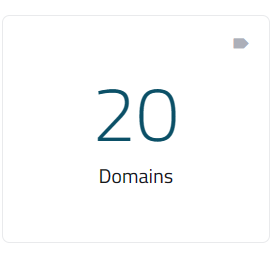
- list will appear to you ,choose Domains
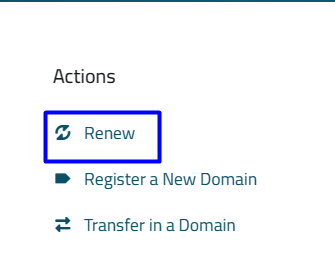
- New list will appear, choose renew As in the following image
- List of your Domains will appear, choose the domain you want to renew and then press the Add to the cart button as in the following image

- New list will appear, choose Checkout As in the following image
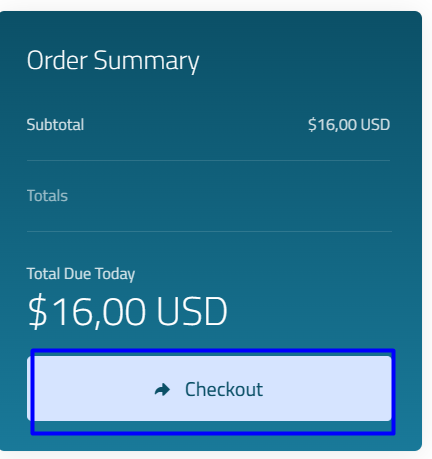
- Your list of order details will appear, choose the payment method you want, as in the following image
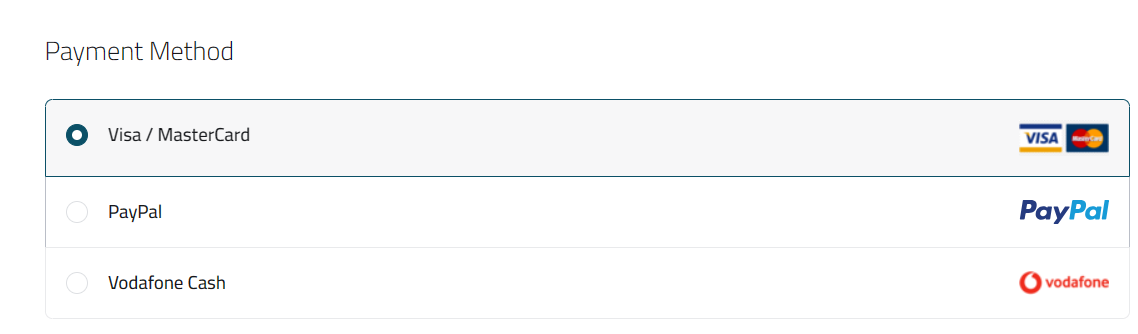
- When you finish choosing the payment method click chechout button
- You will be shown a new list with invoice details

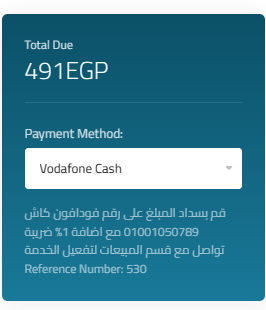
- side list will appear with the payment method you have chosen. Enter the required data to complete the payment.
- in case choose to pay visa/mastercard

- New list will appear, Enter the required data to complete the payment.

- in case choose to pay paypal
- click make payment

- New list will appear, enter your email and then click next As in the following photo

- in case choose to pay vodafone cash