How to change PHP versions and settings using MultiPHP?
طباعة- Login to cPanel using Email Account and Password

- List will appear to you ,choose Services
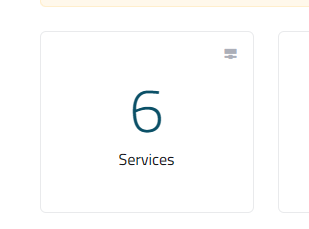
- List of Services will appear to you ,choose the Service you want to control

- List of Actions will appear ,choose Login to cPanel

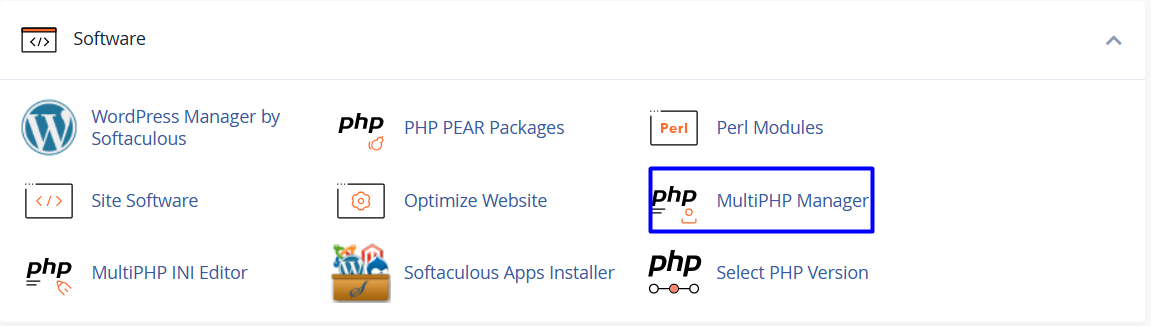
- List of software will appear, choose Multiphp Manager As in the following image
- Under System PHP Version, cPanel displays the default PHP version for your server. Any domain that does not have a PHP version explicitly set uses this version.

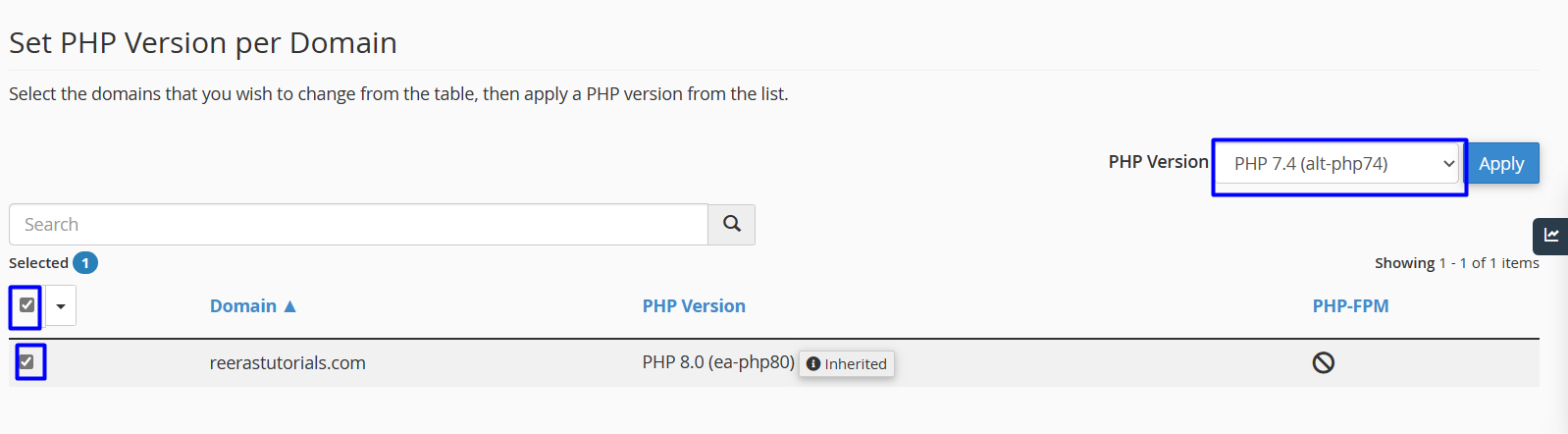
- To change the PHP version for a domain, under Set PHP Version per Domain, select the check box next to the domain for which you want to change the PHP version
- In the PHP Version list box, select the PHP version you want to use for the domain, and then click