
How to Change PHP settings and extensions?
طباعة- Login to cPanel using Email Account and Password

- List will appear to you ,choose Services
- List of Services will appear to you ,choose the Service you want to control

- List of Actions will appear ,choose Login to cPanel

- List of software will appear, choose select php version As in the following image
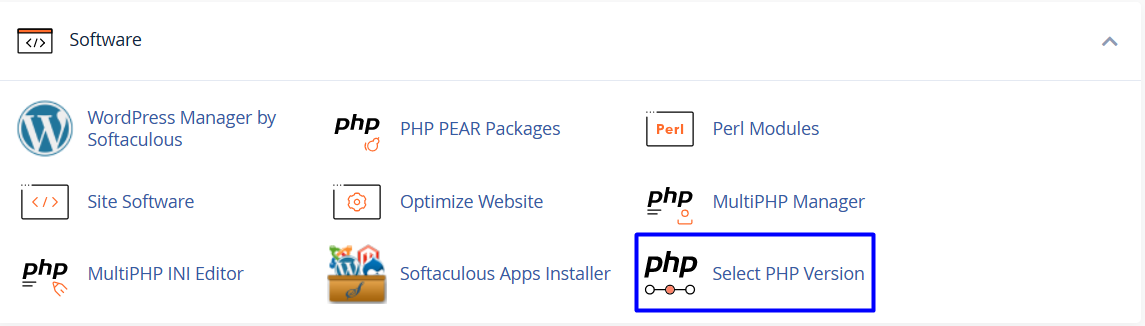
- A list will appear, it's better to choose the native current version As in the following image

-
On the Extensions tab, select which extensions you want to enable for the current PHP version:
- To enable an extension, select the check box next to the extension name
- To disable an extension, clear the check box next to the extension name

-
To change settings for the current PHP version:
- Near the top of the page, click the Options tab.
- Click the value next to the setting that you want to modify.
- Depending on the type of setting, a list box may appear with predefined settings that you can choose. Or, a text box may appear so you can type the value

