How to configure remote MySQL access?
طباعة- Login to cPanel using Email Account and Password

- List will appear to you ,choose Services
- List of Services will appear to you ,choose the Service you want to control

- List of Actions will appear ,choose Login to cPanel

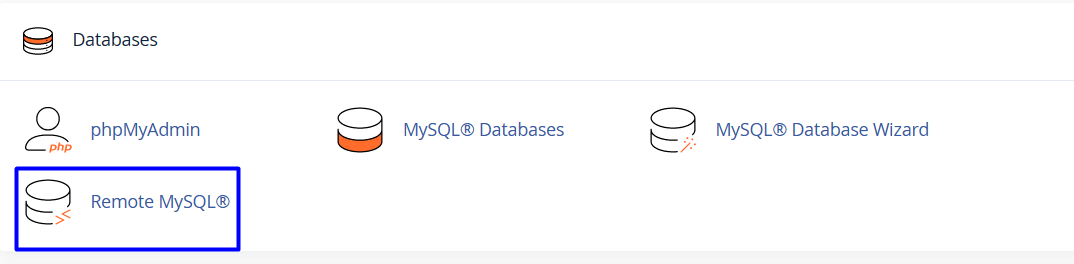
- List of Databases will appear, choose remote MySql As in the following image
- Under Add Access Host, in the Host text box, type the domain name or IP address of the host that you want to add

- In the Comment text box, you can add an optional comment to describe the remote host

- Click

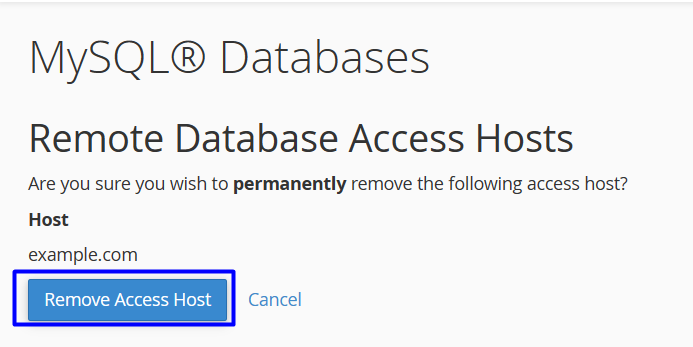
- to remove host access
- Under Manage Access Hosts, locate the host for which you want to remove access, and then click Delete

- Click