
How to manage MySQL databases?
طباعة- Login to cPanel using Email Account and Password

- List will appear to you ,choose Services
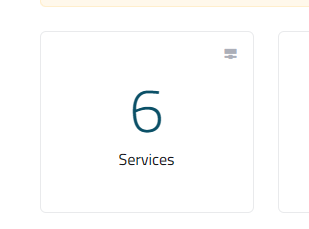
- List of Services will appear to you ,choose the Service you want to control

- List of Actions will appear ,choose Login to cPanel

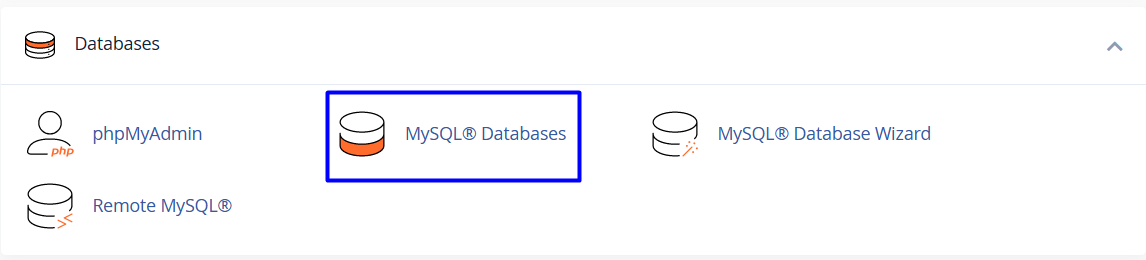
- List of Databases will appear, choose Mysql Databases As in the following image
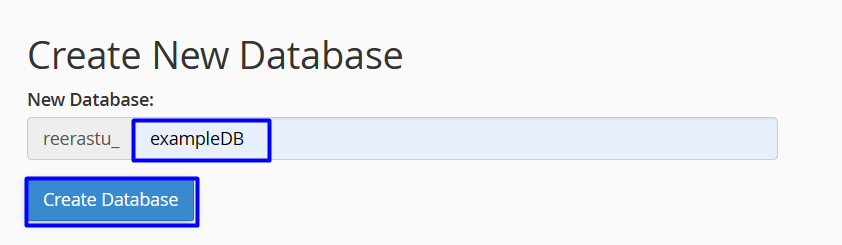
- Under Create New Database, in the New Database text box, type the name of the database
-
Click
-
Adding a user to a database
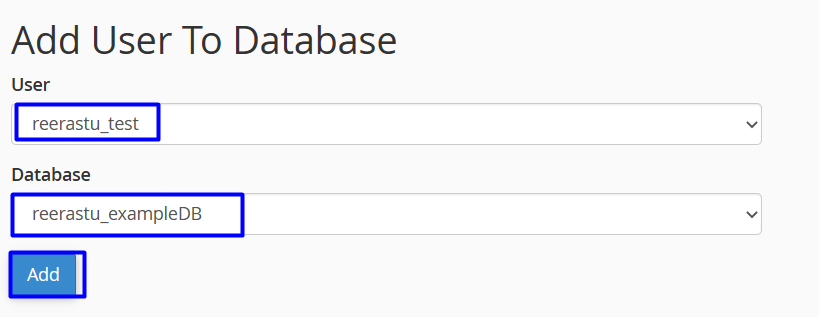
- Under Add User to Database, in the User list box, select the user that you want to add
- In the Database list box, select the database
- Click

-
Checking and repairing a database
-
To check a database:
- Under Modify Databases, in the Check Database list box, select the database.
- Click .

-
If a database check indicates problems with a database, you can repair it:
- Under Modify Databases, in the Repair Database list box, select the database.
- Click .

-
Revoking privileges from a database user
- Under Current Databases, locate the user for which you want to revoke privileges, and then click the trash can
 icon
icon

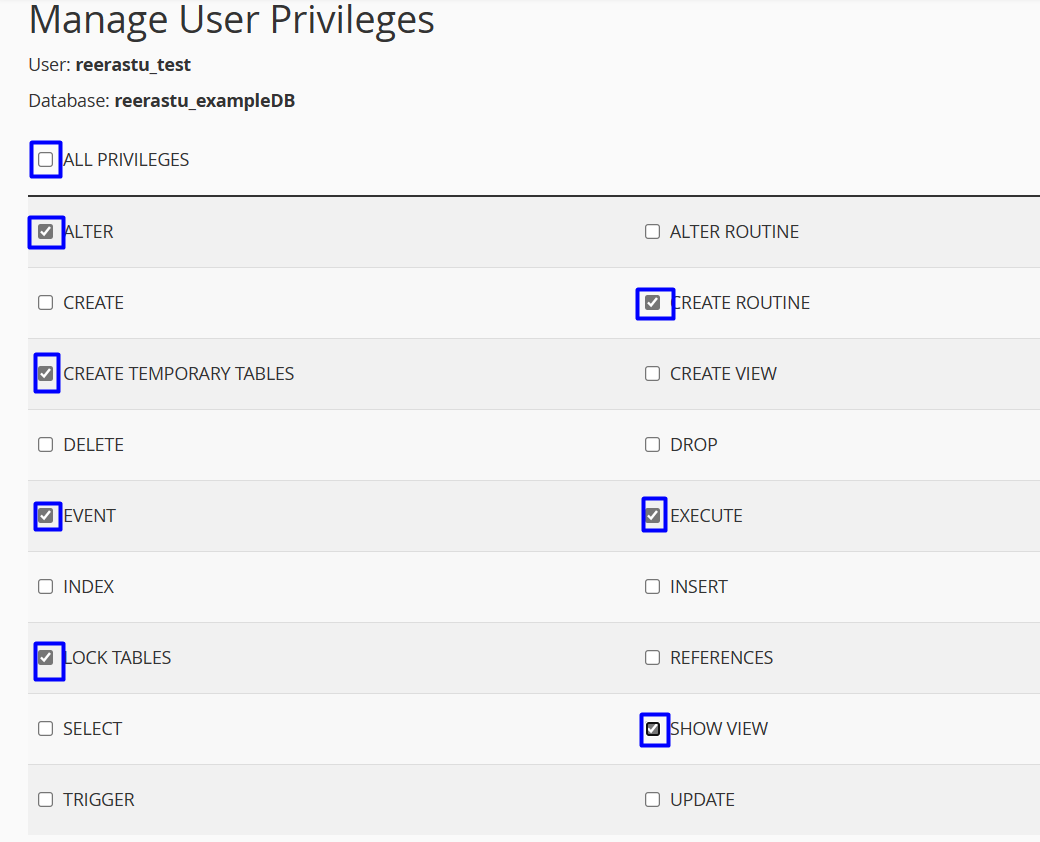
- A new list will appear, unclick
-
Deleting a database
- Under Current Databases, locate the database that you want to delete, and then click Delete.

- A new list will appear, click delete database

