- Login to cPanel using Email Account and Password

- List will appear to you ,choose Services
- List of Services will appear to you ,choose the Service you want to control

- List of Actions will appear ,choose Login to cPanel

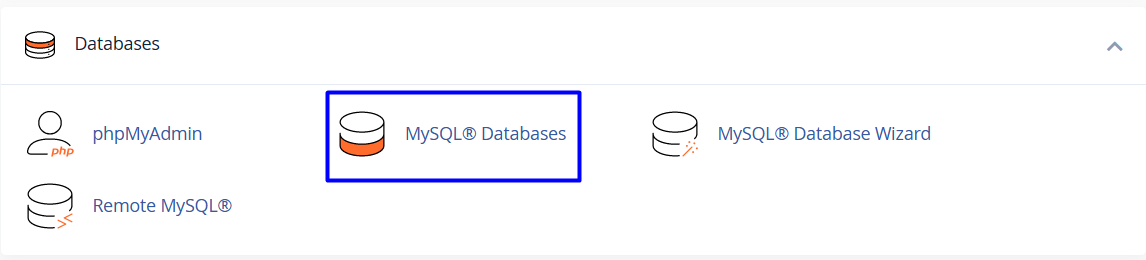
- List of Databases will appear, choose Mysql Databases As in the following image
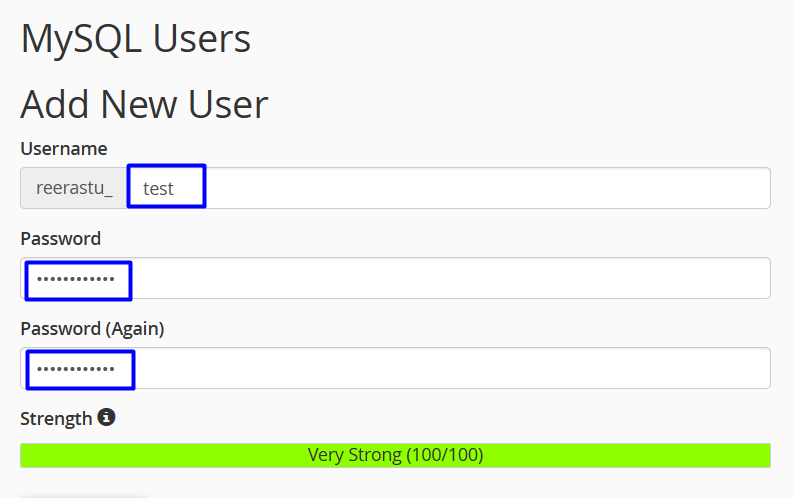
- Under Add New User, in the Username text box, type the MySQL username
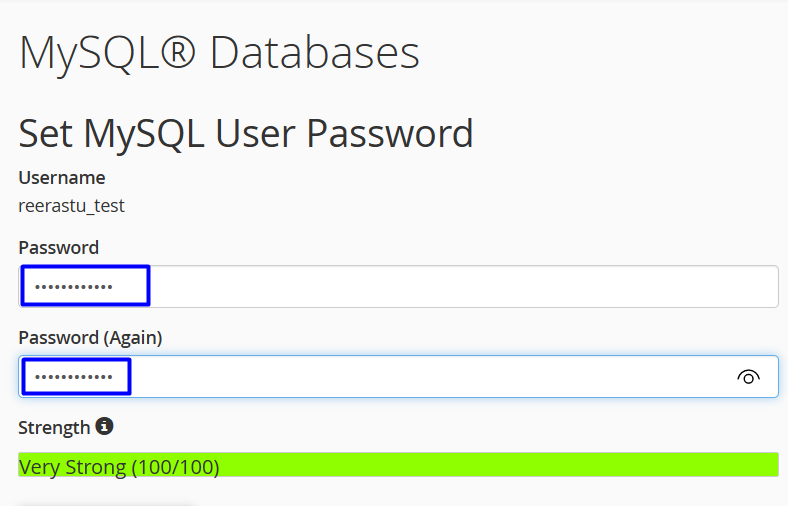
- In the Password text box, type the user password
- In the Password (Again) text box, retype the user password
- click create user
-
Changing a user's password
- Under Current Users, locate the user for which you want to change the password, and then click Change Password

- In the Password and Password (Again) text boxes, type the new password, As in the following image
- Click
-
Renaming a user
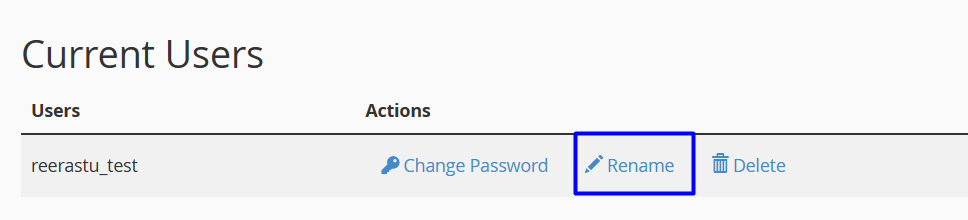
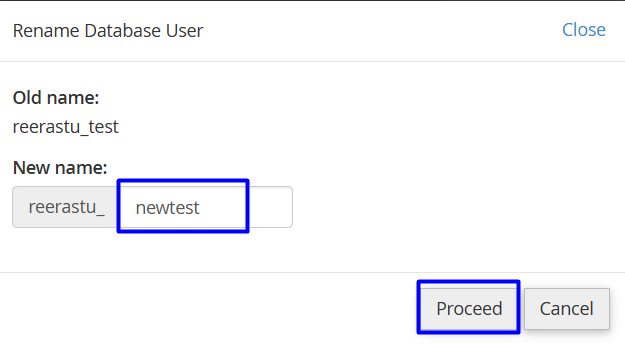
- new list will appear, write the new name then click proceed
-
Deleting a user
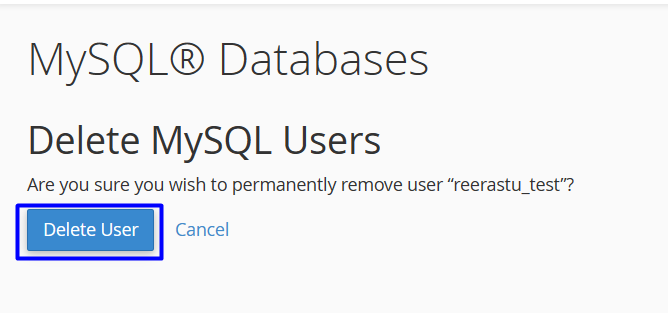
- Under Current Users, locate the user that you want to delete, and then click Delete

- Click to confirm the deletion