
How to use Site Publisher to build a website?
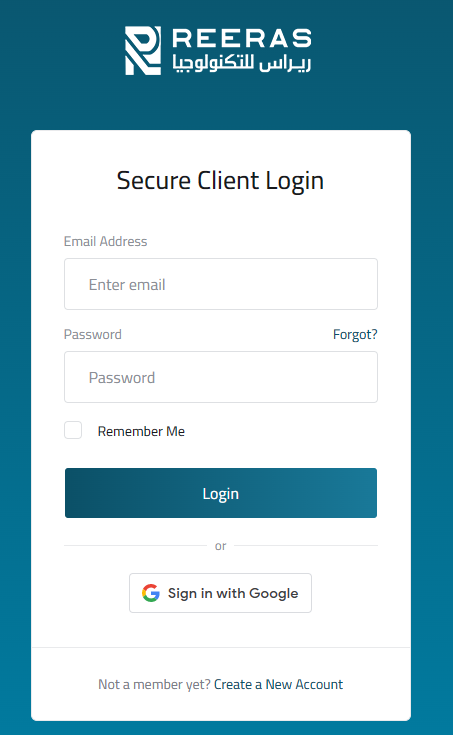
طباعة- Login to cPanel using Email Account and Password
- List will appear to you ,choose Services
- List of Services will appear to you ,choose the Service you want to control

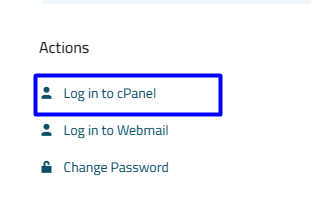
- List of Actions will appear ,choose Login to cPanel
- List of Domains will appear, choose site publisher As in the following image

- Select one of the domains for the new site. If you have several domains, you can use the Search box to find the domain you want. When you select a domain, Site Publisher automatically advances to Select a Template.

-
Under Select a Template, click a template to select it for your site. Site Publisher automatically advances to Customize and Publish

- Under Customize and Publish, complete the fields to customize your site

- click publish

