
- Login to cPanel using Email Account and Password

- List will appear to you ,choose Services
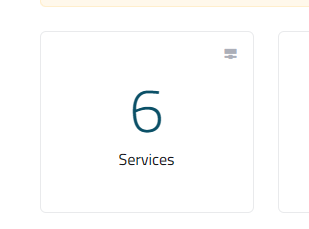
- List of Services will appear to you ,choose the Service you want to control

- List of Actions will appear ,choose Login to cPanel

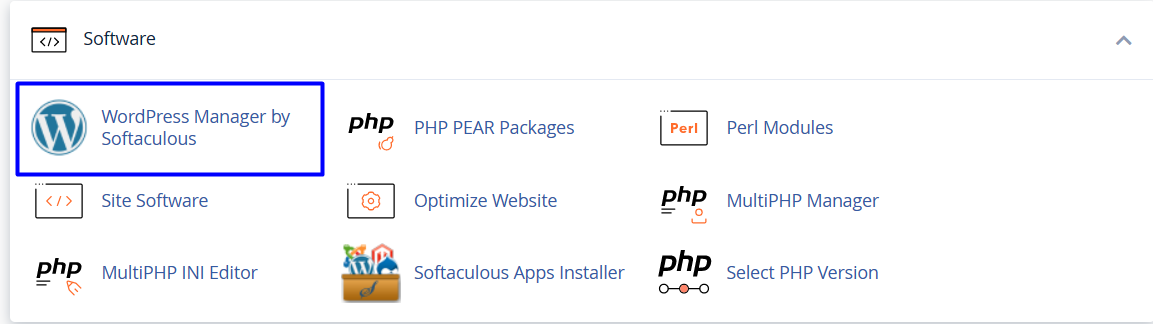
- List of Software will appear, choose Wordpress Manager by Softaculous As in the following image
 '
'
- choose the website you want to upload on it then choose login , As in the following image

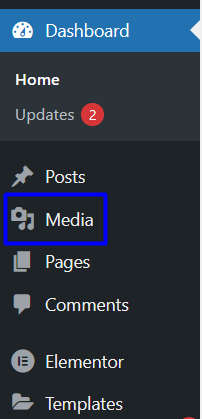
- Dashboard will appear, choose media As in the following image
- New List will appear choose Add new , As in the following image

- New page will appear, select file or Drop file to upload As in the following image

