
How to manage mailing list?
طباعة- Login to cPanel using Email Account and Password

- List will appear to you ,choose Services
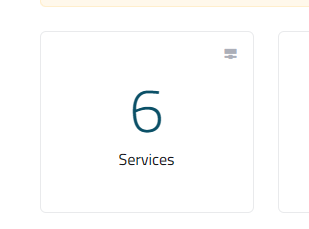
- List of Services will appear to you ,choose the Service you want to control

- List of Actions will appear ,choose Login to cPanel

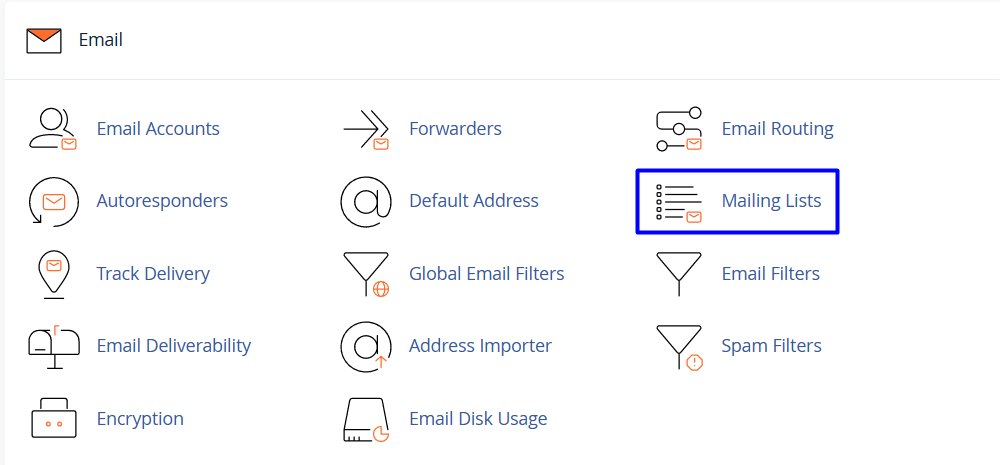
- List of Email will appear to you , choose Mailing List As in the Following image
- in the List Name text box, type the mailing list name that you want
- In the Password text box, type the mailing list password that you want
- In the Password (Again) text box, retype the mailing list password

-
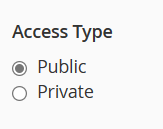
Under Access Type, select Public or Private:
- Public mailing lists have public archives, anyone can subscribe, and the list is advertised on the Mailman page
- Private mailing lists have private archives, an administrator must approve new subscribers, and the list is not advertised on the Mailman page
- click Add

- to change password of mailing list
- locate the mailing list that you want to manage, choose change password As in the Following image

- New List will appear write the new password
- rewrite the new password again , As in the Following image
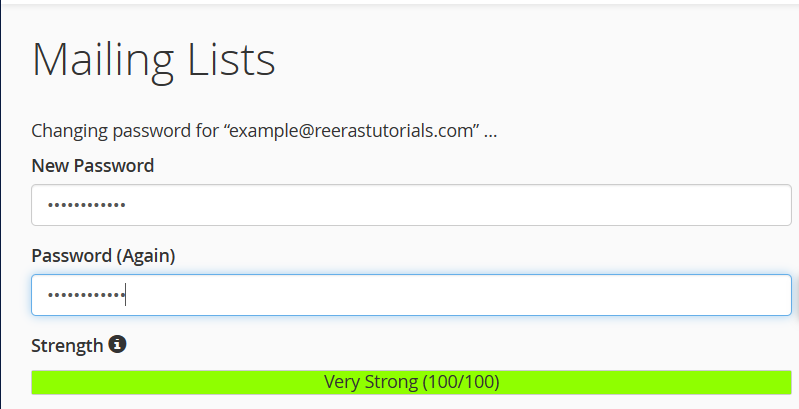
- click change password button As in the Following image
- to Delete mailing list
- locate the mailing list that you want to delete, choose delete As in the Following image

- New list will appear, click on delete mailing list

