
How to Modify or delete a Web Disk account?
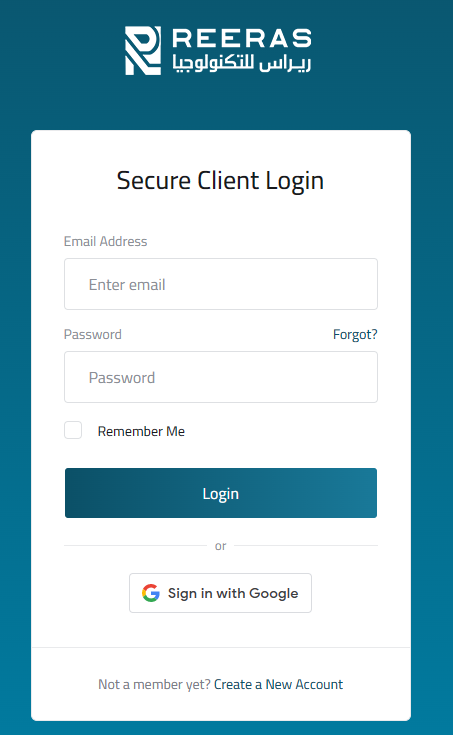
طباعة- Login to cPanel using Email Account and Password
- List will appear to you ,choose Services
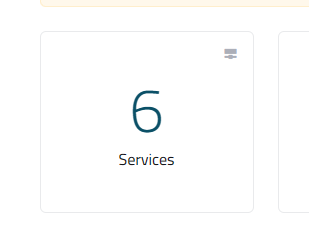
- List of Services will appear to you ,choose the Service you want to control

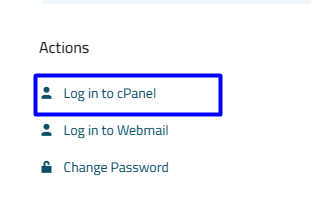
- List of Actions will appear ,choose Login to cPanel
- list of Files will appear , choose Web Disk As in the Following image

-
Under Manage Additional Web Disk Accounts, locate the account that you want to modify:
- To enable digest authentication, click Enable Digest Authentication.
- To change the account password, click Change Password.
- To change the account permissions, click Set Read-Only or Set Read-Write.
- To delete, click on Delete .

