
How to view disk usage information ?
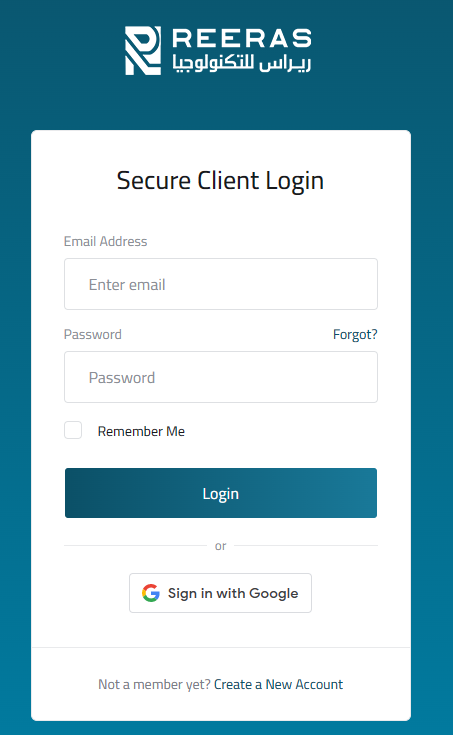
طباعة- Login to cPanel using Email Account and Password
- List will appear to you ,choose Services
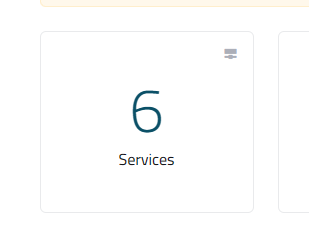
- List of Services will appear to you ,choose the Service you want to control

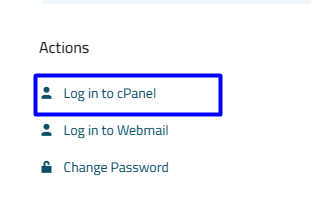
- List of Actions will appear ,choose Login to cPanel
- list of Files will appear , choose Disk Usage As in the Following image

- Bar graphs appear that show relative disk usage by directory As in the following image

- Beneath the bar graphs, you can view disk usage by directory, in both megabytes (MB) and bytes (there are 1048576 bytes in 1 megabyte)
-
You can sort disk usage information in two ways:
- To sort by directory name, click Name.

- To sort by size, click Disk Usage

