How to create full BackUp for my Web Site?

  • Login to cPanel using Email Account and Password



  • List will appear to you ,choose Services
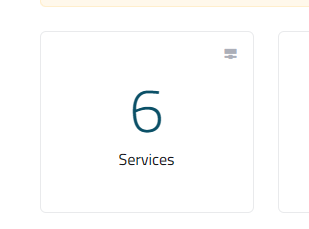
 

  • List of Services will appear to you ,choose the Service you want to control



  • List of Actions will appear ,choose Login to cPanel



  • list of Files will appear , choose Back Up As in the Following image


  • Under Full Backup, click Download a Full Account Backup.


  • Under Generate a Full Backup, in the Backup Destination list box, select where you want to save the backup file.
  • If you do not want to receive an e-mail message when the backup is complete, click Do not send email notification of backup completion.
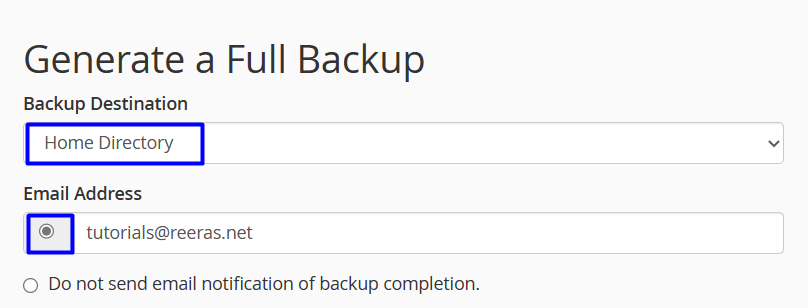


  • Click Generate Backup. cPanel creates the backup.


  • 0 Users Found This Useful
Was this answer helpful?

Related Articles

How to add or edit in File Manager?

Login to cPanel using Email Account and Password     List will appear to you ,choose...

How to Download a partial Back Up for my website?

Login to cPanel using Email Account and Password     List will appear to you ,choose...

How to restore partial Back Up for my website?

Login to cPanel using Email Account and Password     List will appear to you ,choose...

How to view disk usage information ?

Login to cPanel using Email Account and Password     List will appear to you ,choose...

How to Create a Web Disk account?

Login to cPanel using Email Account and Password     List will appear to you ,choose...